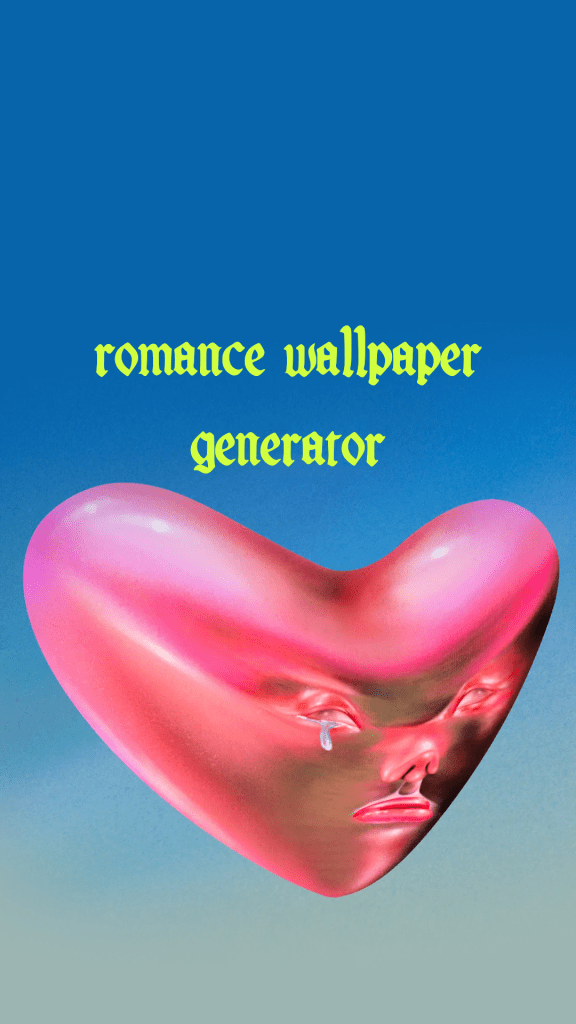
Now you can use our Fontaines D.C. Generator to create custom phone wallpapers.
The beautiful custom font and art of the album cover work just as well in vertical orientation for your phone background. Use this wallpaper maker just like our other generators – enter your desired text in the box below the image – test out limitless variations, then download your final image as a custom wallpaper.
Once you’re done, here’s how to set the image as your wallpaper:
Setting your image as a wallpaper on an iPhone:
- After generating your image, tap the Download button
- Open your Photos app and find the downloaded image
- Tap the Share button (square with up arrow)
- Select “Use as Wallpaper”
- Adjust the image by pinching to zoom if needed
- Choose to set it for your Lock Screen, Home Screen, or both
Using the image for a background wallpaper on Android:
- Download your generated image
- Open your phone’s Settings
- Go to Wallpaper & Style (or similar – may vary by phone)
- Select “Choose wallpaper” or “Gallery”
- Find and select your downloaded image
- Adjust the image position if needed
- Choose to apply to Home screen, Lock screen, or both
Be sure to check out the Skinty Fia album cover generator as well if you’re looking for something a bit more vintage!
For exclusive early access to new album generators, please join our free mailing list. No spam or ads, just simple email alerts when new generators are created.